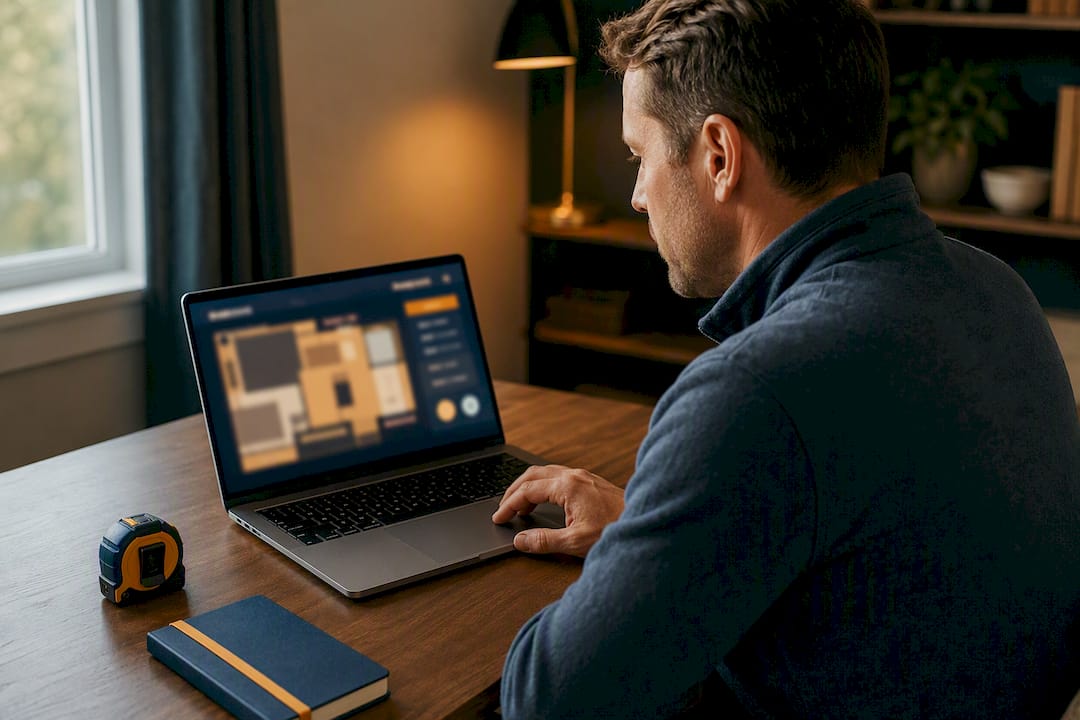
An RV virtual tour lets you rotate through the interior in 360 degrees, drop into a dollhouse floorplan view, and measure aisle width or bed clearance before you ever drive to a dealer lot. Start with manufacturer showroom pages, dealer 360 libraries, or a native Matterport embed. Once a tour loads, click the dollhouse icon and the ruler tool first. That’s where the real answers live.
TL;DR:
- Manufacturer virtual tours offer the highest accuracy, often including measurement tools, dollhouse views, and downloadable floorplans, especially for new models.
- Quality virtual tours typically feature native Matterport embeds, clickable measurement tools, and attached PDFs, signaling serious seller investment.
- Using the measurement tool on tours helps verify interior fit points like bed size, aisle width, and storage, but requires a known reference object for accuracy.
- Combining 3D tours, photos, and videos provides a comprehensive view of layout, finish quality, and moving parts, maximizing buyer confidence.
- Virtual tours are meant for early filtering and spatial assessment, not replacing in-person inspections, which are necessary for engine, roof, and chassis conditions.
Table of Contents
- Where to Find an RV Virtual Tour Online
- What Controls Does a 3D RV Virtual Tour Include?
- How to Use a Virtual RV Walkthrough to Check Fit
- Photos vs. Video vs. 3D Tours: When Each One Actually Helps
- How Dealers and Manufacturers Actually Build These Tours
- Getting the Most Out of Any RV Tour You Open
- Building a Virtual Tour That Actually Helps Buyers (For Sellers)
- How We Think About Virtual Tours at Gently Used RVs
- Finding Listings With Virtual Tours on Gently Used RVs
- Sources
Where to Find an RV Virtual Tour Online
Not every listing has one, and the ones that do aren’t scattered evenly. Three sources cover most of what’s out there, and each behaves a little differently depending on what you’re trying to accomplish.
Manufacturer showrooms tend to be your most reliable starting point when you’re researching a model rather than chasing a specific used unit. Renegade RV hosts a dedicated virtual tours page that centralizes 360 walkthroughs across its lineup, letting you compare floorplans before you narrow down a trim level. Oliver Travel Trailers goes a step further with an interactive 3D walkthrough that includes VR viewing and floorplan selection baked right into the same interface. These factory-hosted tours are usually the highest fidelity you’ll find because the manufacturer controls the capture, the lighting, and the accuracy of every dimension shown.
Dealer 360 libraries are the second major source, and quality here swings hard from one dealership to the next. A large dealership network can look like a “mega center,” with dozens of units scanned into Matterport-style tours and organized by floorplan. Smaller independent lots might only have a handful of photos and no tour at all. If you’re hunting for a specific rig rather than researching a category, checking a dealer’s virtual showroom page directly, or browsing our RV dealer directory, narrows the search faster than scrolling generic search results.
Marketplaces and aggregated listings round out the picture, and they’re most useful when you already know roughly what you want and need to see it tied to real, purchasable inventory rather than a marketing sample unit.
A few habits make the hunt faster:
- Search the exact model name plus “3D tour” or “360 tour” rather than just the brand.
- Check the dealer’s own site for a “virtual showroom” or “3D tours” tab before assuming none exists.
- If a listing photo gallery includes a small “view in 3D” or dollhouse icon, that’s your signal a full Matterport-style scan is embedded, not just a slideshow.
- Bookmark manufacturer showroom pages for models you’re comparing. They get updated as new floorplans launch.
What Controls Does a 3D RV Virtual Tour Include?
Once you’re inside a tour, the interface usually follows a familiar pattern regardless of which platform hosts it. Recognizing these controls is the difference between passively scrolling through a rig and actually extracting the information you came for.
- 360-degree rotation and navigation hotspots. Click and drag to look around from a fixed point, then click a glowing circle on the floor to move to the next spot. Good tours place hotspots in a logical sequence, front to back, so you’re not hunting for where to go next.
- Dollhouse and floorplan modes. This is the feature most buyers skip and shouldn’t. It flattens the entire RV into a top-down or angled 3D model, showing you the full layout at once instead of one room at a time.
- The measurement tool. Usually a small ruler icon in the corner. Click it, then click two points inside the scan to get a distance reading in feet and inches. This is how you check bed width, aisle clearance, or doorway height without a tape measure.
- Annotations and embedded documents. Some tours include text callouts, floorplan PDFs, or spec sheet links attached directly to hotspots. Their presence is one of the clearest quality signals a tour is meant for serious buyers, not just marketing.
- Full-screen and VR viewing. Expanding a tour to full screen, or viewing it through a VR headset, gives you a much better read on actual scale than a small embedded window ever will.
Matterport-style scans build in all five of these as standard features: 360 rotation, clickable navigation, dollhouse and 2D floorplan views, and measurement tools for spatial planning. That combination is what separates an actual virtual RV walkthrough from a glorified photo slideshow with a spin button.
Pro Tip: Before you touch the measurement tool, check whether the tour offers a known reference object, like a doorway or appliance with a listed dimension. Measuring against something you can verify independently catches scan distortion before it costs you a wasted trip.
The measurement tool matters more than most buyers realize going in. Effective 3D tours put dollhouse and floorplan views alongside a working measurement function specifically because those two features answer the purchase-critical questions: will your mattress fit, will your dog’s crate clear the aisle, will the shower door swing without hitting the toilet. Matterport’s own tour examples demonstrate exactly this pairing, and it’s worth testing on any tour before you assume the rig fits your life.
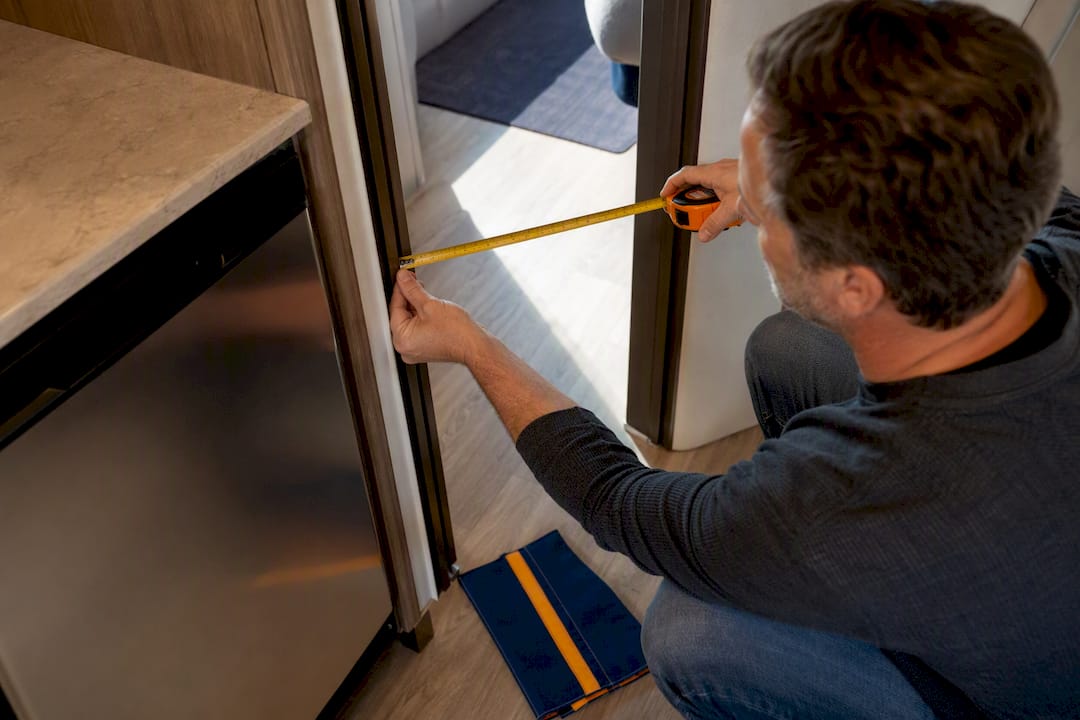
How to Use a Virtual RV Walkthrough to Check Fit
A tour is only useful if you interrogate it the same way you’d walk a lot in person. That means working through a checklist instead of just admiring the cabinetry.
Start with the sleeping arrangement. Open the dollhouse view, locate the bedroom or sleeping area hotspot, and measure the mattress footprint plus the clearance around it. A queen bed in a small Class C can look spacious in a wide-angle photo and feel like a coffin once you’re standing in the real aisle.
Move through the rest of the interior with the same discipline:
- Aisle width, especially in the kitchen and bathroom, where two people passing matters daily.
- Bathroom layout, checking whether the door swings into the shower or the toilet, and whether you can actually close it with someone standing at the sink.
- Kitchen workflow, measuring counter run length and the gap between the stove and any opposite-side cabinetry.
- Storage dimensions, both interior cabinets and exterior pass-through bays, if you’re planning to haul bikes, kayaks, or camping gear.
- Exterior-access bays, checking door height and depth against gear you already own.
As you go, keep a short running notes list. Something as simple as “bedroom aisle: 22 inches, need 24 for wheelchair” or “pantry depth: 14 inches, spice rack won’t fit” turns a vague impression into a concrete comparison point when you’re weighing multiple units. This is also the workflow Matterport recommends for clearance-sensitive checks: open the dollhouse view, find the hotspot, switch into measurement mode, and compare against a known object like a bike length or a mobility aid width, then ask the seller to confirm with a quick live camera shot if anything still looks off.
Here’s what a tour won’t tell you, and this matters as much as what it will. Virtual tours are visual and spatial tools. They don’t show engine hours, chassis condition, roof seam integrity, or whether the water heater actually fires up. If a listing has a strong 3D tour but you’re serious about the unit, ask the seller for a live video call walking the engine bay, undercarriage, and roof, or request recent service records. A gorgeous interior scan tells you nothing about a leaking roof seam three feet above the hotspot you just clicked through.
So when is a virtual tour enough on its own, and when do you need to see the rig in person? If the tour is measurement-enabled, recent, and matches the listing’s stated specs, it’s usually sufficient to eliminate a unit from consideration or to shortlist it for a serious in-person visit. It’s rarely sufficient to finalize a purchase. Treat it as the filter that saves you a dozen wasted trips, not the replacement for the one trip that actually matters.
Photos vs. Video vs. 3D Tours: When Each One Actually Helps
Every RV listing offers some mix of these three formats, and buyers waste time when they lean on the wrong one at the wrong stage of research.
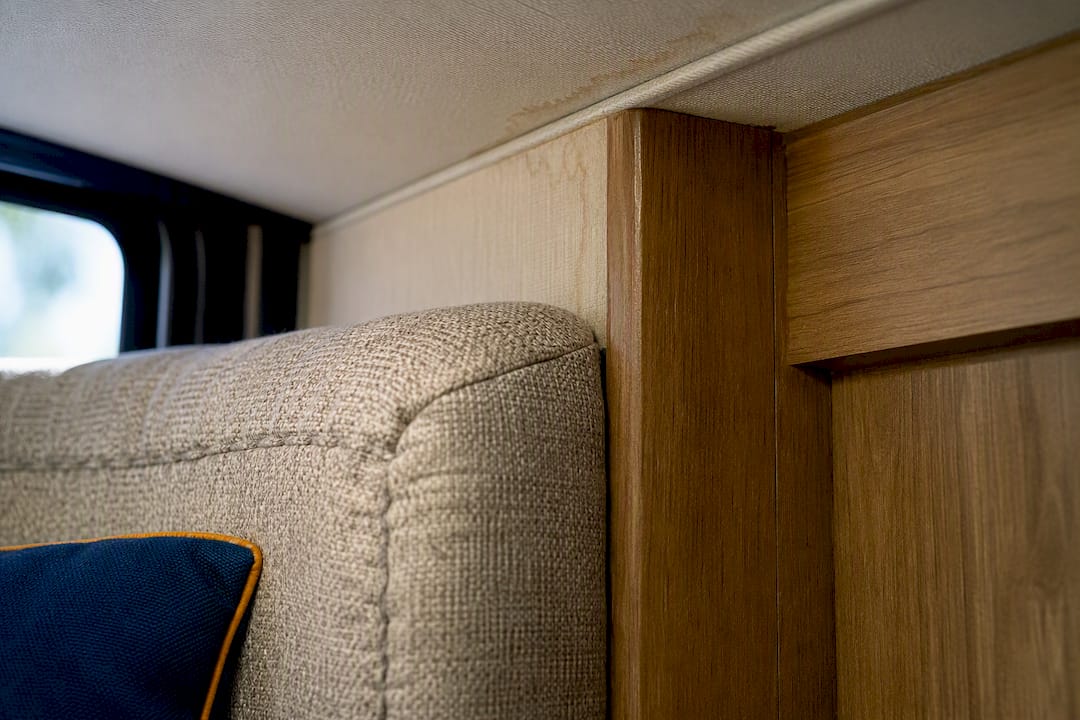
Photos are best for finish and detail checks. Is the upholstery worn? Does the cabinet stain match across panels? Are there visible water stains near the ceiling seams? A high-resolution photo catches texture and color better than any 3D scan will. What photos can’t do is give you a real sense of scale. A wide-angle lens in a small bathroom can make an eighteen-inch aisle look roomy.
Walkthrough video earns its place when you need to see something move. Slide-outs extending, awnings unfurling, appliances actually powering on. A video tour of a Northwood Nash 23CK shows exactly this kind of feature demonstration, walking through operation in a way a static scan never could. Video is narrative and demonstrative, but it’s a poor tool for precise measurement since you’re watching someone else’s pace and angle, not controlling your own inspection.
3D tours win decisively on fit and layout questions. You control the pace, you can revisit the same hotspot as many times as you want, and the measurement tool gives you numbers instead of impressions.
The smartest workflow blends all three rather than picking a favorite:
- Open the 3D tour first to confirm the layout and measurements work for your needs.
- Flip through photos next to check finish quality and spot any wear the scan’s lighting might have smoothed over.
- Watch a walkthrough video last, specifically to confirm moving parts and appliances function as described.
Combining a measurement-enabled 3D tour with stills and a short clip maximizes buyer confidence precisely because each format is answering a different question, and no single one answers all three.
How Dealers and Manufacturers Actually Build These Tours
Understanding production methods helps you read quality signals fast, and it also tells you what a tour is likely to omit.
At the high end, dealers and manufacturers use Matterport-class 3D capture to scan the entire interior with a specialized camera, producing the measurement-enabled tours with dollhouse and floorplan views described earlier. This is the gold standard for buyer evaluation because the geometry is accurate enough to trust for clearance checks, not just visual impressions.
A step down from that, plenty of listings use consumer-grade 360 cameras or a smartphone mounted on a 360 head. These can produce a perfectly serviceable tour, but quality depends heavily on lighting, stitching accuracy, and whether the operator actually knew what they were doing. A dim RV interior shot with a budget 360 camera often produces a blurry, warped scan that’s more frustrating than helpful.
Then there’s the newer layer: image-to-video AI. Tools built for this purpose let dealers convert a handful of still photos into a short cinematic clip, usually five to ten seconds, suitable for social media or a listing thumbnail. Practical guides for RV creators note this workflow can produce a polished marketing clip in under an hour, which is a real efficiency gain for small dealers who don’t have a video production budget. It’s genuinely useful for grabbing attention on a scroll feed. It is not a substitute for a measurement-enabled tour, and treating a slick AI-generated clip as equivalent to an actual 3D scan is a mistake plenty of first-time buyers make.
Cinematic clips built from still photos are effective for storytelling and stopping the scroll, but they routinely miss the purchase-critical spatial questions that only a measurement-enabled 3D scan can answer.
When you’re deciding how much to trust a given tour, look for three quality signals: a native Matterport embed rather than an outbound link to a generic video, an explicit measurement tool you can actually click and use, and a downloadable floorplan or spec PDF attached to the listing. Any listing offering all three is telling you the seller took evaluation seriously, not just marketing.
Getting the Most Out of Any RV Tour You Open
A little routine turns a virtual tour from a curiosity into a genuine research tool. Here’s the sequence worth building into a habit.
- Open the dollhouse view first. Get the full layout in your head before you drop into any single room. This orients you the same way walking through a front door would.
- Move through hotspots in a consistent order, front to back. Skipping around makes it easy to miss a room entirely, especially in larger fifth wheels with multiple slide-outs.
- Pull up the measurement tool early and confirm your two or three must-have clearances right away, before you get distracted by finishes. If a number looks off, note it and plan to verify in person or by video call.
- Record service-access panel locations and appliance model numbers. These show up in hotspots more often than buyers expect, and having the exact model number ready makes a later maintenance-history question to the seller far more specific.
- If a listing has no tour at all, ask directly for a real-time video walkthrough, and be specific: request the seller show you the exact aisle width or bed clearance you care about, not just a general pan around the interior.
Pro Tip: Screenshot the dollhouse view with your measurement annotations still visible before you close the tab. Tour links sometimes expire or get replaced when a listing updates, and you’ll want that reference when you’re comparing three or four rigs side by side later.
Watch for a handful of red flags as you go. A missing floorplan on an otherwise detailed listing is one of the more telling gaps, since floorplans are cheap to include and their absence often means the seller didn’t want you comparing dimensions closely. A low-resolution scan with visible stitching seams, blurry hotspots that take multiple clicks to load, or specs that don’t match what the measurement tool shows are all worth flagging before you invest more time. None of these automatically mean a bad deal, but they mean you should ask more questions before scheduling a visit.
Building a Virtual Tour That Actually Helps Buyers (For Sellers)
If you’re selling an RV, whether as a private owner or managing dealer inventory, the tour you build shapes how much trust a buyer extends before they ever call you.
The first decision is capture type. A full 3D scan through a Matterport-class service gives you the measurement tool and dollhouse view buyers actually rely on, and it’s worth the cost if you’re listing a higher-value unit or expect serious cross-country buyers who can’t easily drive over. For a simpler listing, a straightforward 360-photo set or a short walkthrough video may be enough, particularly for lower-priced units where buyers expect less production polish.
Equipment options span a wide range. A smartphone paired with a 360 mount handles basic coverage at low cost. Consumer 360 cameras step up image quality without much added complexity. For dealers who want the measurement feature, hiring a professional capture service is usually the better move since accurate geometry takes calibrated equipment most private sellers won’t own.
Once you have a solid 3D tour, image-to-video AI earns its place as a marketing layer, not a replacement. Generate a handful of short cinematic clips from your tour stills for social posts and listing thumbnails, while keeping the full measurement-enabled tour as the primary evaluation tool buyers actually use to decide. One practical build order for dealers: invest first in the measurement-enabled tour since that’s what drives buyer confidence, then generate three or four short AI clips from the same stills for paid social and thumbnail use.
Before publishing, run through this checklist:
- Exterior walk-around captured, not just the interior.
- Interior hotspots placed in every room, including bathrooms and storage areas.
- Floorplan included and downloadable if possible.
- Measurement tool tested and functional, not just decorative.
- Listing metadata complete: year, make, model, and full specs matched to what the tour actually shows.
Skipping that last item is more common than it should be. A tour showing a floorplan that doesn’t match the listed model confuses buyers and generates the kind of questions that slow a sale down rather than closing it.
How We Think About Virtual Tours at Gently Used RVs
The marketplace was built around the idea that buyers shouldn’t have to drive to multiple lots just to eliminate most of them. When listings include a virtual tour, floorplan, or rich photo set, that media does the early filtering work a buyer would otherwise do in person, and we try to surface those listings in a way that makes comparison easy.
An AI autofill tool supports sellers by reducing friction in posting complete listings. Pulling year, make, model, specs, and photos automatically from an existing dealer URL cuts the friction that keeps sellers from posting a complete listing in the first place. Combined with geotargeted search that shows buyers the closest matching inventory first, the result helps reduce wasted trips for buyers and sellers. If you’re weighing a specific floorplan against a tour you found elsewhere, the RV types guide is a useful resource to check whether the layout is typical for that category or an outlier worth extra scrutiny.
— Christopher
Finding Listings With Virtual Tours on Gently Used RVs
The site allows free browsing with no account wall, so buyers can compare listings, floorplans, and photo sets across private sellers and dealerships without a signup gate slowing down research. Search by RV type, location, and price to narrow toward units that match what you saw in a manufacturer’s virtual showroom, and check our RV dealer directory if you’d rather work through dealerships that maintain their own 360 tour libraries alongside physical inventory. Not sure which category fits your plans yet? The RV Types Guide breaks down Class A, B, and C motorhomes, travel trailers, fifth wheels, and more, so you know what floorplan questions to ask before you ever open a tour.
Selling instead? Listings post free, with no commission, and you can add photos and details as space allows on your tier. Sellers who want richer media and wider reach can move up through paid tiers for more photos and broader visibility, and dealerships managing multiple units can explore inventory sync options built for dealers. Ready to see what’s out there? Start browsing current listings and filter down to the RVs closest to you today.
Sources
A few starting points worth bookmarking as you research. Matterport’s example space demonstrates the standard 360, dollhouse, and measurement controls referenced throughout this guide. Renegade RV’s virtual tours page shows how a manufacturer centralizes multiple model tours in one place. Oliver Travel Trailers’ 3D walkthrough pairs floorplan selection with VR viewing. And RV.com’s Northwood Nash 23CK video tour illustrates how walkthrough video complements a spatial 3D scan rather than replacing it.
- Matterport — example 3D space
- Renegade RV — Virtual Tours
- Oliver Travel Trailers — 3D virtual tour
- Image-to-video AI: practical guide for RV creators (MeetRV)
- Rv