
The fastest and safest way to bulk upload RV listings is to fill out the marketplace’s own CSV template or connect an automated API/FTP feed, host every photo on a public image URL, and run a small test batch of three to five units through preview before you publish anything. Skip the template and you risk mismatched columns, broken photos, and a stack of failed rows. Skip the test batch and you find out about those problems after 200 listings are already live.
TL;DR:
- Using the marketplace’s native CSV template or API connection ensures a faster, safer bulk upload, with testing small batches avoiding large-scale errors.
- Accurate image URLs hosted on public cloud storage prevent photo import failures, which are the most common upload errors.
- Standardizing header rows and required fields like title, year, make, and VIN minimizes import failures and simplifies mapping across platforms.
- Scheduled automated syncing with a feed or Google Sheets reduces manual re-entry, keeps listings current, and avoids outdated or duplicate posts.
- Conducting test batches and draft imports before publishing prevents costly mistakes like wrong prices, dead links, and duplicate listings.
Table of Contents
- When Should You Bulk Upload Versus List One RV at a Time?
- How Do You Prepare a CSV for Bulk RV Listing Uploads?
- Why Do Image URLs Break RV Bulk Uploads?
- What Happens During the Upload, Map, Preview, and Publish Steps?
- Can You Automate RV Inventory Syncing Instead of Re-Uploading CSVs?
- What Are the Most Common Bulk Upload Errors and Fixes?
- What Dealer Workflows Actually Prevent Costly Bulk Upload Mistakes?
- How Gently Used RVs Makes Bulk Uploads Simpler
- Sources
- FAQ
When Should You Bulk Upload Versus List One RV at a Time?
Bulk upload earns its keep when you’re onboarding a large lot, migrating inventory from an old system, or absorbing a fleet purchase all at once. Feeding fifty units through a spreadsheet takes minutes; typing them in one by one takes days. Manual, one-off listing still wins for a single high-value unit, like a rare Class A with a story worth telling in the description, where template fields can’t capture the details that actually sell the coach.
What should you expect from bulk upload once it’s set up correctly?
- Time savings that scale with inventory size, not effort
- Consistent formatting across every listing, which cuts buyer confusion
- Easier syndication to multiple platforms from one clean source file
The trade-off is real: a rushed CSV filled with copy-paste errors publishes garbage faster than a person ever could.
How Do You Prepare a CSV for Bulk RV Listing Uploads?
Start from the platform’s own sample CSV rather than building a file from scratch. Header rows carry hidden formatting rules, and skipping them is the single most common reason imports fail before they even start.
- Keep the original header row untouched, even the columns you think you won’t use.
- Fill every required field: title, year, make, model, price, currency, location, and a VIN or external ID if you plan to update this listing later.
- Format prices as numbers only, no dollar signs or commas, use YYYY for model years, and save the file as UTF-8 to avoid special-character errors.
- Run a three to five row test batch first and actually read the preview output before touching the rest of your inventory.
- If your dealer management system exports CSVs, standardize your field names in that export so mapping to the marketplace template takes minutes instead of hours.
Pro Tip: Keep a master spreadsheet with column names that never change, even when you switch platforms. A stable header row is the cheapest insurance against a failed import.
Import tools built for this kind of batch inventory work typically cap files at 500 to 1,000 rows, which is exactly why the test batch matters before you run the full file.
Why Do Image URLs Break RV Bulk Uploads?
Photos fail imports more than almost anything else, and the cause is almost always the same: a local file path instead of a public URL. A path like C:\Photos\rv1.jpg means nothing to a server that isn’t your laptop. Image hosting requirements exist for exactly this reason, and the fix is to host every photo on cloud storage or your dealership’s own media server before the CSV ever touches an upload button.
A few habits keep image imports clean:
- List your best exterior shot as the primary image URL first, then follow with interior and detail shots.
- Confirm each platform’s max photo count per listing before you build out your image columns.
- Check total import size limits, especially if you’re bulk uploading with dozens of photos per unit.
- Paste one image URL into a browser and confirm it loads before you trust the whole batch.
If you’re staging units for photos before a bulk run, a detailing checklist helps make sure the shots you’re hosting are worth uploading in the first place.
What Happens During the Upload, Map, Preview, and Publish Steps?

Every serious import tool follows roughly the same sequence: you upload the file, the system scans it for basic validity, you map your columns to the platform’s fields, it validates the data, shows you a preview, and only then do you apply or publish. This flow mirrors what most inventory import systems use, and understanding each stage saves you from publishing mistakes at scale.
The preview screen is where the real decisions happen:
- It reports counts for rows created, updated, skipped, and failed, so fix the failed rows first before worrying about anything else.
- Matching by listing ID, external ID, or VIN prevents the same RV from getting duplicated across runs.
- Importing as drafts first, then publishing after a manual spot check, catches the kind of small errors a computer won’t flag but a human eye will.
Rushing past preview to hit “publish” is how a dealer ends up with three copies of the same fifth wheel live at once.
Can You Automate RV Inventory Syncing Instead of Re-Uploading CSVs?
Yes, and if you’re managing more than a handful of units, you should. Scheduled imports or FTP/SFTP pulls handle nightly or weekly syncs without anyone touching a spreadsheet, and a REST feed or even a well-organized Google Sheet can act as the single source that drives listing pages automatically, a setup detailed in how feed-driven inventory syndication keeps per-unit pages current.
- Match sync frequency to how fast your lot turns over; a high-volume dealer needs nightly syncs, a smaller seller might only need weekly.
- Monitor import logs and turn on email alerts so a failed sync doesn’t sit unnoticed for a week.
- Weigh the setup time against what you save: automated syncing trades a one-time integration cost for far less manual re-entry and fewer listings showing units that already sold.
Pro Tip: If your DMS can’t push data directly, route it through a Google Sheet as a translation layer. Export your fields into the sheet, clean up the values, then point the marketplace feed at that sheet instead of fighting a direct integration.
What Are the Most Common Bulk Upload Errors and Fixes?
Most failed imports trace back to four culprits: mismatched headers, wrong file encoding, images that aren’t publicly reachable, and price fields that still have dollar signs or commas baked in. A small test batch surfaces the majority of these before they touch your full inventory.
When an import log flags an error, it should point to the exact row and column at fault. Fix the source CSV there, not just in the platform’s editor, then re-upload only the corrected rows.
- Split files that are too large into smaller batches instead of forcing one massive upload.
- Re-save the CSV as UTF-8 if you’re seeing garbled characters in titles or descriptions.
- Re-host any image still pointing to a local file path.
- Strip currency symbols and commas from every price cell before re-running the import.
If errors persist after these fixes, escalate to platform support with the exact row numbers, a sample of the failing image URLs, and the raw error text from your log. That level of detail gets a real answer faster than a vague “my upload isn’t working.”
What Dealer Workflows Actually Prevent Costly Bulk Upload Mistakes?
Test batches and draft imports aren’t extra steps, they’re what stands between you and a wave of buyer complaints about wrong prices or dead photo links. Every dealer I’ve watched skip that step ends up doing the same cleanup twice, just under more pressure. Automation earns its cost back mainly by killing data drift, the slow mismatch between what’s on your lot and what’s live online, which is usually what erodes buyer trust faster than any single bad listing does, as explained in common e-commerce inventory problems.
— Christopher
How Gently Used RVs Makes Bulk Uploads Simpler
Some marketplaces offer dealers a shortcut past the spreadsheet grind that eats up hours at smaller marketplaces. Instead of hand-typing specs for forty units, AI-powered autofill tools can pull year, make, model, specs, price, and photos straight from any dealer website or marketplace URL in seconds, which turns what used to be a full afternoon of data entry into something closer to a coffee break.
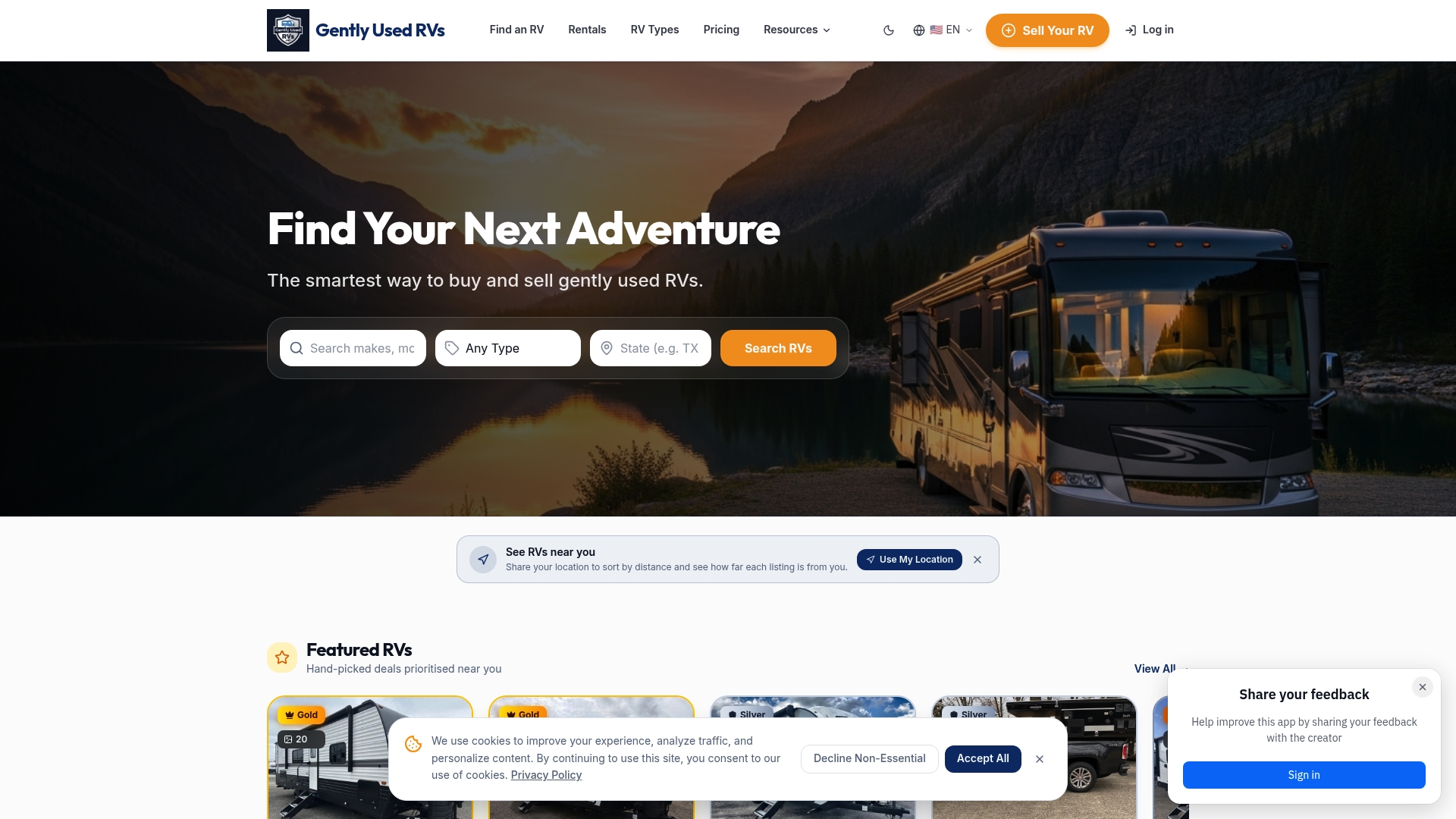
For dealerships running real volume, some enterprise plans support unlimited inventory with automatic sync, so a lot can stay current without a staff member babysitting exports every week. If you’re just testing the waters, start with a handful of listings using an autofill tool and see how the process feels before committing to a bigger batch. Ready to see what fits your operation? Visit our dealer inventory page to review plan options, or check current pricing tiers to find the plan that matches your lot size and sync needs.
Sources
FAQ
What Is the 333 Rule for RVs?
The 333 rule is a road-trip guideline, not a listing rule: it recommends driving moderate distances, arriving earlier in the day, and staying multiple nights before moving on. It has no bearing on inventory uploads, but dealers often see the phrase mentioned in RV buyer forums and lifestyle content.
Are RV Prices Dropping in 2026?
Used RV pricing tends to move with fuel costs, interest rates, and seasonal demand rather than following one flat trend, so any blanket claim about prices falling across the board should be treated with caution. Check current listings in your specific RV type and region for the most accurate read on where your local market stands.
Where Is the Best Place to Advertise My RV for Sale?
A free marketplace with no commissions and geotargeted search results, like Gently Used RVs, puts your listing in front of buyers close to you first while still allowing upgrades to statewide or nationwide visibility if you want broader reach. Posting on a platform that supports bulk upload also matters if you’re managing more than one unit at a time.
What Is the RV Ten Year Rule?
The “ten year rule” refers to some campgrounds and RV parks restricting entry to units under ten years old, or requiring an inspection for older rigs, rather than any universal law. Policies vary widely by park and by region, so it’s worth confirming directly with a specific campground rather than assuming a blanket rule applies everywhere.